

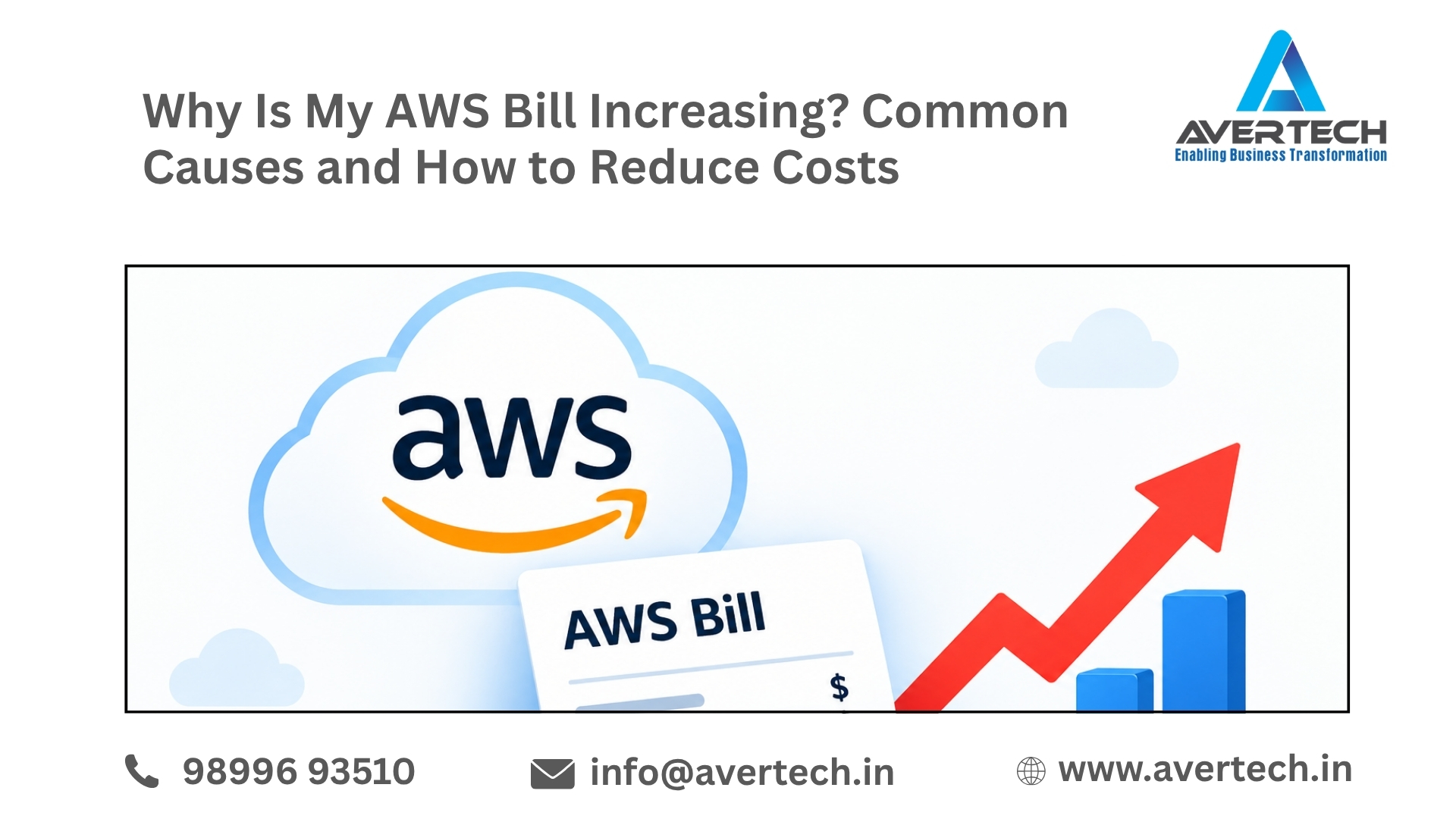
Amazon Web Services (AWS), you can grow your infrastructure resources up and down as needed. But when your apps, database, storage, and cloud workloads grow, so too does your AWS bill.
If you’re wondering, “Why is my AWS bill getting so high?”, remember that sometimes it’s not an increased volume of traffic. Underutilized resources, oversized servers, data transfer, storage growth, and improperly configured services are all potential reasons your AWS bills are rising.
Partnering with an AWS Advanced Consulting Partner can help you reduce cloud overages by finding what you are not using and developing cost-optimization strategies.
1. EC2 Instances Are Running Continuously
Amazon EC2 is the AWS service I’m using most. Leaving instances on 24 hours a day, 7 days a week when they aren’t doing anything can really add to your monthly bill. This is especially relevant for test and dev environments.
How to reduce the cost:
- Stop non-production instances when they are not needed.
- Review instance utilization regularly.
- Consider Auto Scaling for variable workloads.
- Evaluate whether your instance size matches actual resource requirements.
2. Your EC2 Instances May Be Over-Provisioned
Some organizations opt for bigger EC2 instance types than they need. If CPU, memory, or network utilization is low most of the time, you’re likely paying for capacity that you don’t need. A cloud assessment can reveal what you can right-size your infrastructure to, without sacrificing application performance.
3. Unused EBS Volumes Are Increasing Costs
Amazon Elastic Block Store (EBS) volumes continue to incur charges even when they are not actively attached to an EC2 instance.
Old development environments, terminated servers, and forgotten projects can leave behind unused volumes.
Check for:
- Unattached EBS volumes
- Old snapshots
- Unused storage
- Duplicate backups
Removing resources that are no longer required can help control monthly AWS expenses.
4. AWS Data Transfer Costs Are Higher Than Expected
How to fix your AWS bill (continued) Data transfer Data transfer occurs when you send data between AWS services, regions or outside of AWS. If your application is exchanging a large amount of data in one of those ways on a regular basis, you could be paying to send that data around. For high-volume applications, check out your network architecture and data-transfer practices to see if you can cut any expenses.
5. Your S3 Storage Is Continuously Growing
Amazon S3 makes it easy to store backups, documents, media, logs, and application data. Over time, storage can grow considerably. Old files and backups may remain in S3 even when they are no longer actively used.
Cost-saving options include:
- S3 Lifecycle policies
- Intelligent-Tiering
- Archiving old data
- Deleting unnecessary objects
- Reviewing incomplete multipart uploads
Choosing the appropriate S3 storage class based on access patterns can help reduce storage costs.
6. Cloud Watch Logs and Monitoring Data Are Growing
Logging is crucial but storing logs can be expensive Applications can produce significant amounts of log data in Cloud Watch Logs, and when enabling application and infrastructure detailed logging, the cost can add up quickly. Take a look at your log groups and retention periods. Do you need to store all logs forever? Decide on a retention policy that suits your operational, compliance and business needs.
7. RDS Resources Are Not Properly Optimized
Amazon RDS costs can increase when database instances are oversized or remain active during periods of low usage.
Review:
- Database instance size
- Storage allocation
- Provisioned IOPS
- Backup retention
- Read replicas
- Multi-AZ configuration
- Database utilization
Database optimization should be handled carefully because cost reduction should not negatively affect availability or performance.
8. Resources Are Running in Multiple AWS Regions
You need to set multiple regions When you use AWS, you might create resources for availability, testing, or requirements of a specific application in multiple regions. But it can be difficult to track cloud costs if they are set in different regions. Review your account for resources set in all active regions and check if each of them is still needed.
9. Auto Scaling Is Not Properly Configured
Auto Scaling is designed to scale applications to meet demand, but if it’s misconfigured it can lead to idle infrastructure. For instance, a minimum capacity set to a high value can keep it running more instances than needed by the workload. Check the scaling policies match the application’s traffic profile.
10. You Are Missing AWS Cost Optimization Opportunities
AWS provides several options that can help businesses optimize costs, including:
- AWS Savings Plans
- Reserved Instances
- Spot Instances
- Auto Scaling
- Rightsizing
- Storage lifecycle policies
- Cost allocation tags
- AWS Budgets
- Cost Explorer
The right option depends on your workload, usage patterns, availability requirements, and long-term infrastructure strategy.
How Can You Find Out What Is Increasing Your AWS Bill?
Start by reviewing your AWS Cost Explorer and billing information.
Look for:
- Services with the highest spending
- Month-over-month cost changes
- Unexpected usage increases
- New AWS services or resources
- Data-transfer charges
- Storage growth
- Idle or underutilized resources
- Costs by AWS Region
- Development and testing environments
- Recurring infrastructure expenses
A detailed cost review can help turn a general concern about an increasing bill into specific optimization opportunities.
How an AWS Advanced Consulting Partner Can Help
Not everything is about deleting resources; in fact, if you did that, then you aren’t getting very far with managing AWS costs. Instead, you should look to eliminate extraneous expenses and still retain the great performance, security, scalability, and availability that you need. An AWS Advanced Consulting Partner can assist you in reviewing your cloud environment to determine where infrastructure improvements can be made.
Depending on your environment, this may include:
- AWS cost and infrastructure assessment
- EC2 rightsizing
- Storage optimization
- Database optimization
- Cloud architecture review
- AWS billing analysis
- Savings Plans and Reserved Instance evaluation
- Auto Scaling optimization
- Backup and disaster recovery review
- Monitoring and resource governance
- Cloud migration and modernization planning
Why Is My AWS Bill Increasing? A Quick Checklist
Before assuming that AWS pricing itself is responsible, check:
☑ Are unused EC2 instances running?
☑ Are EBS volumes or snapshots accumulating?
☑ Is S3 storage continuously growing?
☑ Has data transfer increased?
☑ Are databases oversized?
☑ Are CloudWatch logs being retained unnecessarily?
☑ Are resources running across multiple regions?
☑ Are Auto Scaling policies configured correctly?
☑ Are development environments running 24/7?
☑ Are you using available AWS cost-optimization options?
Reduce Unnecessary AWS Spending With Avertech
A high AWS bill may indicate that your infrastructure has grown too large or you are not optimising your costs regularly. A review can uncover excess resources, wastage or bad design.
AWS Consultant & Migration Services — Avertech: AWS Consulting, Cloud Migration, Managed Services, Dev Ops, Security, Performance & Cost Optimization Why are AWS costs rising? AWS consultants from Avertech are here to help you evaluate your AWS environments and see where you can optimize more.
Visit Avertech to learn more about AWS consulting and cloud optimization services.
Final Takeaway
With AWS, you deliver enterprise-grade, flexible cloud infrastructure, but for the cloud bills to be manageable, you need visibility and control. An expanding AWS bill can be due to proliferation of resources, poor configuration, storage and data transfer costs, bigger infrastructure, or idle services.
Regular monitoring combined with professional cloud optimization can help businesses maintain better control over AWS spending while keeping their infrastructure reliable and scalable.