

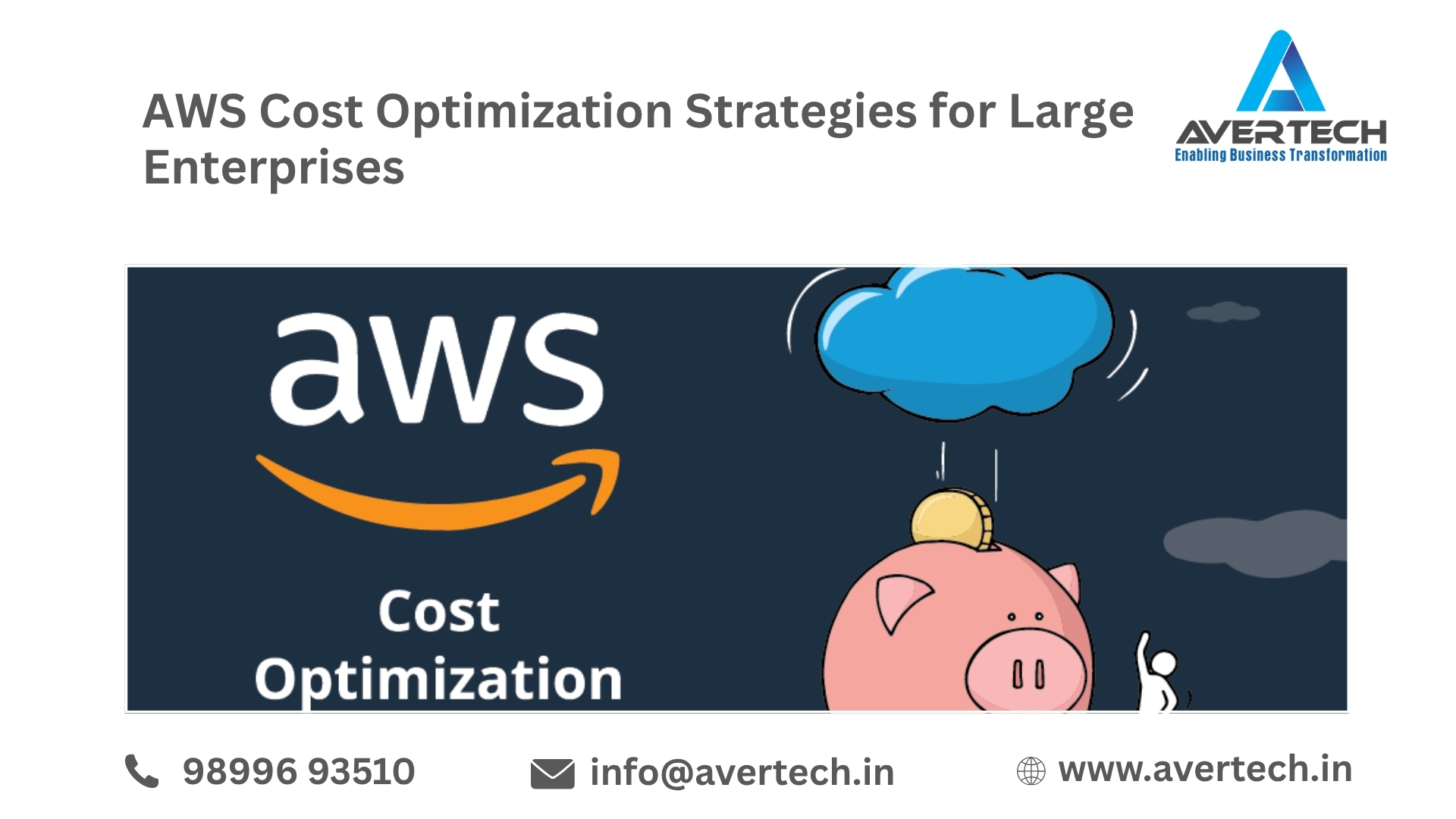
AWS is scalable, flexible, and powerful enough to run big business applications. However, as organizations expand their AWS footprint across teams, accounts, regions, workloads and services, AWS costs can spiral out of control.
How Cloud Costs Are Increased for Business Clouding costs are increased by over provisioning, wasted storage, inefficient storage, charging for data transfer, complex architecture, and inability to manage costs in one place.
A structured AWS cost optimization strategy helps enterprises reduce unnecessary spending while maintaining performance, security, and availability.
Why AWS Cost Optimization Matters for Large Enterprises
Large organizations typically operate hundreds or thousands of cloud resources. Different departments may deploy their own workloads, create temporary environments, or use resources that are no longer required.
Without proper monitoring and governance, these costs can accumulate quickly.
Common reasons for increasing AWS costs include:
- Overprovisioned EC2 instances
- Idle or unused resources
- Unattached EBS volumes
- Unused Elastic IP addresses
- Growing S3 storage
- Excessive data transfer
- Non-production environments running 24/7
- Inefficient database configurations
- Poor resource tagging
- Lack of centralized cost visibility
- Incorrect purchasing models
- Resources deployed across multiple regions unnecessarily
Enterprise AWS cost optimization should therefore be an ongoing process rather than a one-time cost-cutting exercise.
1. Right-Size AWS Resources
Match AWS Resources to Workload Demands The quickest method to reduce AWS costs is to optimize and right size resources to workload requirements. Businesses often choose servers that are sized to support their growth needs — predicting average loads and project demand at a peak. Over time, these workloads will probably fall short of initial projections.
Organizations should regularly review:
- CPU utilization
- Memory utilization
- Network usage
- Storage performance
- Instance utilization
- Database capacity
For example, an EC2 instance that consistently uses only a small percentage of its available compute capacity may be a candidate for a smaller instance type.
Right-sizing can reduce costs while maintaining the required application performance.
2. Identify and Remove Unused Resources
Large AWS environments frequently contain resources that are no longer needed.
Examples include:
- Stopped EC2 instances
- Unattached EBS volumes
- Unused snapshots
- Idle load balancers
- Unused Elastic IPs
- Old machine images
- Test environments
- Temporary development resources
Regular resource audits can help enterprises identify these sources of unnecessary spending.
Automation can also be introduced to identify resources that remain unused for a defined period.
3. Optimize EC2 Costs
Amazon EC2 can represent a significant portion of enterprise cloud expenditure.
Enterprises should evaluate their workload patterns and choose appropriate purchasing options, including:
- On-Demand Instances
- Reserved Instances
- Savings Plans
- Spot Instances
Workloads with predictable demand could be cost-effective with longer term price commitments. Workloads that are more flexible and fault tolerant could be cost-effective using Spot Instances. The right choice will depend on workload stability, utilization, application architecture, and business requirements.
4. Use Auto Scaling for Variable Workloads
Keeping a system running at full tilt all day becomes unmanageable as workloads fluctuate. AWS Auto Scaling allows organizations to scale according to demand, in real time.
For example, if an app is heavily used during working hours but much less so over night, rather than provision on-demand capacity 24/7, organisations can dynamically adjust what they make available.
This approach can help balance AWS cost optimization and application performance.
5. Optimize Non-Production Environments
Development, testing, staging, and QA environments can generate substantial costs if they operate continuously.
Enterprises can introduce schedules that automatically:
- Stop development servers after business hours
- Start environments before working hours
- Reduce database capacity during low-demand periods
- Remove temporary resources after projects are completed
This is particularly useful for organizations with large development teams and multiple application environments.
6. Optimize Amazon S3 Storage
What is the cost of storing data on S3 in enterprises? The data volume stored in enterprises is on an upward scale; this makes the S3 storage cost more. An enterprise must track storage lifecycle policies to move data across various storage classes.
For example, company data used every day could remain in the corresponding class. But for aged or inactively accessed data, this may not be necessary.
Enterprises should also review:
- Old objects
- Incomplete multipart uploads
- Versioned objects
- Backup retention
- Lifecycle policies
- Storage class usage
A well-designed S3 lifecycle strategy can help control long-term storage costs.
7. Control AWS Data Transfer Costs
Data transfer can become a major cost factor for enterprises operating distributed applications.
Costs can increase when data moves frequently between:
- AWS regions
- Availability Zones
- AWS and on-premises infrastructure
- Cloud services
- External networks
Architectural decisions should therefore consider data movement alongside compute and storage requirements. Reducing unnecessary data transfers and improving application architecture can contribute significantly to enterprise AWS cost optimization.
8. Optimize Database Costs
Enterprise applications often rely heavily on databases such as Amazon RDS, Aurora, DynamoDB, and other AWS database services.
Database costs can increase because of:
- Oversized instances
- Excessive storage
- Unused databases
- High backup retention
- Overprovisioned capacity
- Inefficient workloads
Organizations should regularly review database utilization and configuration.
Where appropriate, enterprises can also consider serverless or automatically scaling database architectures for workloads with variable demand.
9. Implement Strong Resource Tagging
A large enterprise needs to know where its AWS money is being spent.
A consistent tagging strategy can help organizations allocate costs across:
- Departments
- Business units
- Applications
- Projects
- Environments
- Customers
- Cost centers
For example, tags such as:
Environment = Production
Department = Finance
Application = ERP
CostCenter = 1001
can improve cost visibility and accountability.
This allows management teams to understand which workloads are generating the highest costs.
10. Establish AWS Cost Governance
Cost optimization becomes more effective when organizations establish clear cloud governance policies.
Enterprise governance may include:
- Budget controls
- Cost alerts
- Resource tagging standards
- Account-level policies
- Approval processes
- Spending thresholds
- Regular cost reviews
- Ownership of cloud resources
Teams should have visibility into their spending while maintaining the flexibility required to deploy applications efficiently.
11. Use AWS Cost Management Tools
What tools AWS offers enterprises to monitor cloud costs? AWS offers organizations various options to analyze and track their cloud costs. Organizations may utilize services and features like AWS Cost Explorer, AWS Budgets, AWS Cost and Usage Reports, and AWS Trusted Advisor.
These kinds of tools can reveal spend trends, help control budgets and find opportunities to optimize. But tools aren’t enough. Enterprises need a way to turn data into decisions on where, how and when to optimize.
12. Review Savings Plans and Reserved Capacity
For workloads with predictable usage, enterprises can evaluate commitment-based purchasing options. Savings Plans and Reserved Instances can potentially reduce costs compared with continuously using On-Demand pricing.
Before making commitments, organizations should analyze:
- Historical usage
- Expected growth
- Workload stability
- Instance families
- Business requirements
- Migration plans
Incorrect commitments can create unnecessary financial obligations, so purchasing decisions should be based on reliable usage analysis.
13. Automate Cost Optimization
Manual cost management becomes difficult as an AWS environment grows.
Enterprises can use automation to identify and manage resources based on predefined policies.
Examples include automatically:
- Stopping idle development instances
- Detecting unattached volumes
- Removing expired resources
- Monitoring budgets
- Sending cost alerts
- Identifying underutilized infrastructure
Automation helps organizations continuously manage their cloud environment instead of waiting for monthly cost reviews.
14. Build a FinOps Culture
AWS cost optimization is not only a technical responsibility.
Finance, engineering, operations, security, and business teams should work together to understand cloud spending.
A FinOps approach can help enterprises connect:
Cloud usage → Business value → Cost → Accountability
Teams can establish KPIs around cloud efficiency and regularly review spending against business objectives.
15. Conduct Regular AWS Cost Audits
Cloud environments continuously change. New applications are deployed, workloads grow, resources are resized, and architectures evolve. Therefore, an AWS cost audit should be performed regularly.
A comprehensive audit can examine:
- Compute utilization
- Storage consumption
- Database costs
- Data transfer
- Reserved capacity
- Savings Plans
- Idle resources
- Tagging
- Multi-account architecture
- Regional deployment
- Backup and snapshot policies
The goal is not simply to reduce the AWS bill but to ensure that every major cloud expense provides appropriate business value.
How Avertech Can Help With AWS Cost Optimization
A View from the Top — large companies A comprehensive framework for managing AWS costs considering both financial and technical aspects. Avertech Services Pvt Ltd assists the organizations in analyzing their AWS infrastructure, finding areas for cost reduction, optimizing cloud use, and running the cloud efficiently.
Our approach can include:
- AWS infrastructure assessment
- Resource right-sizing
- AWS cost and billing analysis
- Idle resource identification
- EC2 optimization
- S3 storage optimization
- Database optimization
- AWS architecture review
- Cost monitoring and governance
- Cloud migration and modernization
- Managed AWS services
- Ongoing cost optimization
As an AWS-focused cloud services provider, Avertech can help enterprises create a practical optimization roadmap based on their workload requirements and business goals.
Conclusion
AWS cost optimization — large enterprise Every enterprise understands that AWS cost optimization is a constant process. Just scale down resources is not sufficient. The enterprises wants to ask, how much infrastructure is being used, what is the cost, whether cloud is actually creating the business value.
Right-sizing infrastructure, deleting unused resources, optimizing storage and databases, managing data transfer, managing your data better, offering the right pricing models, and automating your cost management are some of the most cost-effective tasks you can undertake.
If you have a clear strategy for AWS cost optimization and are actively monitoring, you can have a scalable, reliable infrastructure and have your fingers on the pulse of your cloud costs.
Interested in reducing your AWS cloud spend? Contact Avertech for an AWS cost analysis and find out about cloud optimisation.